
PARENT PORTAL
Stay Connected
with Your Child’s Education
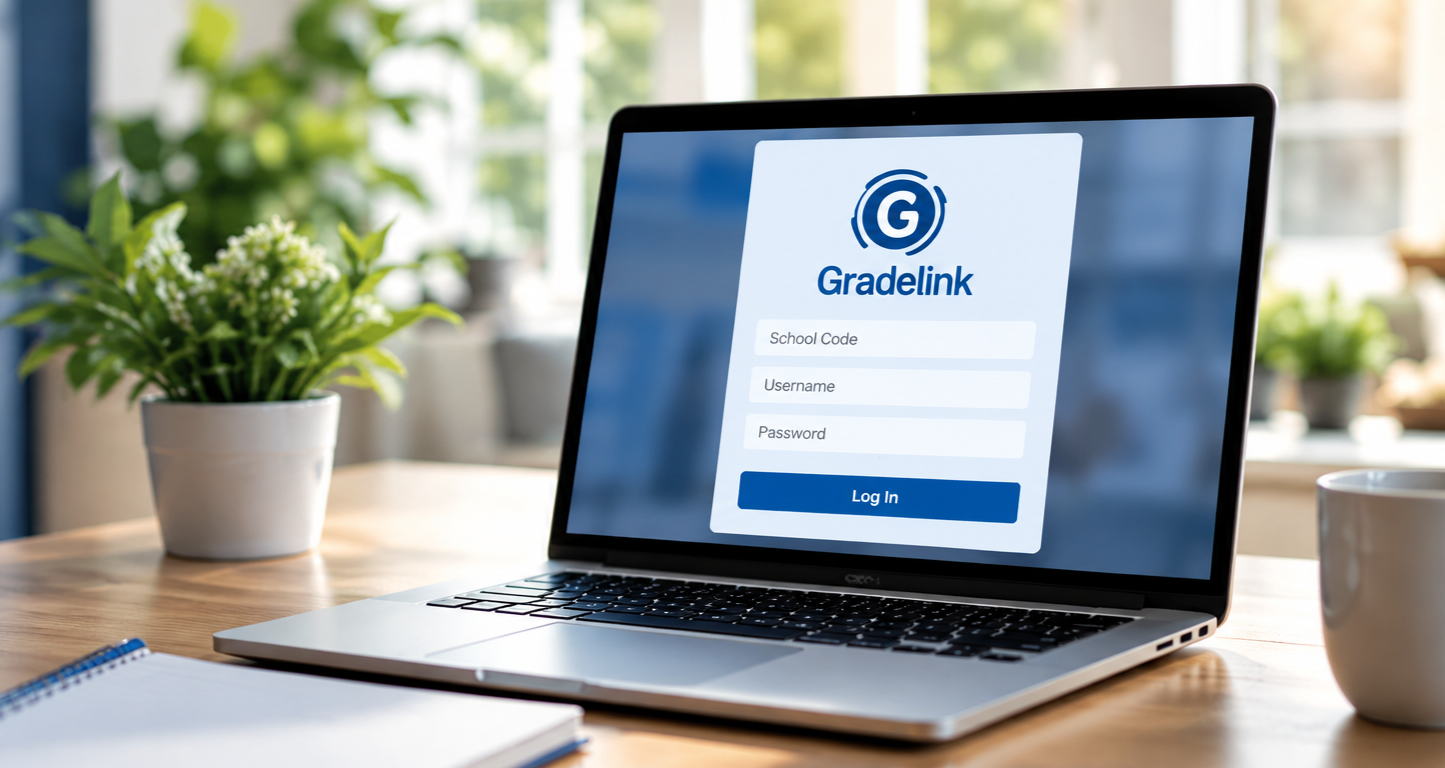
Gradelink makes it easy to stay up to date with your child’s grades, assignments, attendance, report cards, and more.
Important Information
All in One Place
WHAT YOU CAN ACCESS
Through the Gradelink Parent Portal, you can view a variety of information about your child or children, depending on grade level and what is available.

Grades & Assignments
Keep up with academic progress and homework.

Report Cards
Access report cards and other school school information.

Attendance
View your child’s attendance information or report a student absence.

Multiple Children
View information for each
of your children through
the same account.
Set Up Your Gradelink Account
GETTING STARTED
Follow these simple steps to download the app and log in.
Download the Gradelink App

Open the App Store.
Search for Gradelink.
Tap Get or Download.
Open the app.
On an iPhone or iPad:
Open the Google Play Store.
Search for Gradelink.
Tap Install.
Open the app.
On an Android phone or tablet:


Log In to Your Account

Open the Gradelink app.
Enter our school code: 4229
Enter your username,
found under Family Login Information.Enter your Gradelink password, also found under Family Login Information.
If you have more than one child enrolled, you should be able to access your children from the same account.
Explore the App

Once you are logged in, take a few minutes to look around the app. Depending on your child’s grade and the information available, you may be able to view:
Grades and assignments

Attendance

Report cards & other school info

Information for each of your children
Turn On Notifications

We recommend allowing notifications from Gradelink so you don’t miss important updates.
When prompted, select Allow Notifications. You can also check your phone’s settings to make sure notifications are turned on for the Gradelink app.
USING GRADELINK ON A COMPUTER
Prefer a Larger Screen?
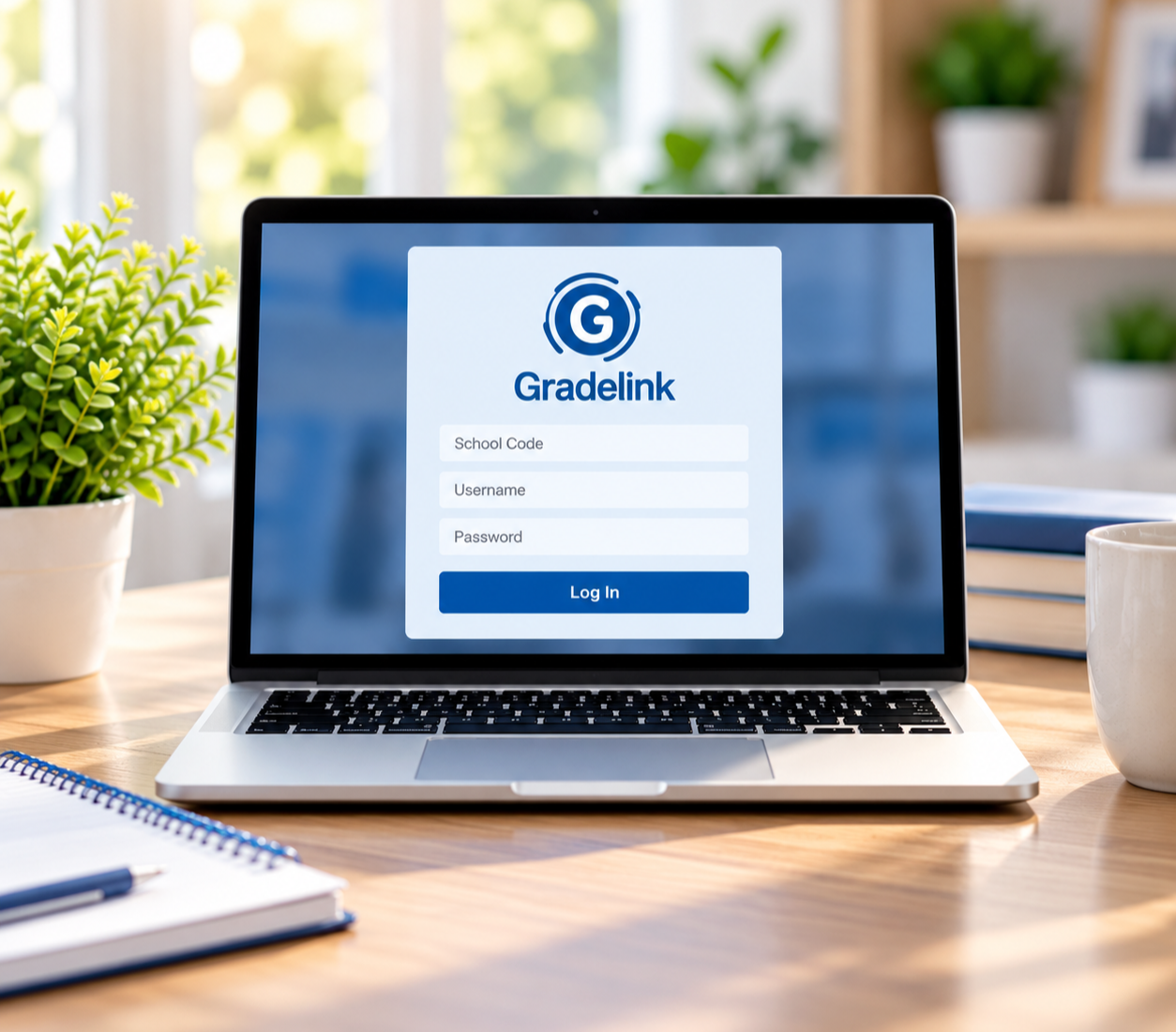
You can also access a Gradelink from a computer through a web browser. This can be helpful if you prefer viewing grades, assignments or other information on a larger screen.

NEED HELP?
We’re Here to Help!
We know that learning a new app can take a little time. If you have trouble downloading the app, logging in, or finding something in Gradelink, please don’t hesitate to contact the school office. We are happy to help you get started!

Contact the School Office
If you are still unable to access your account after using the Forgot Password option, please reach out to the school office.